

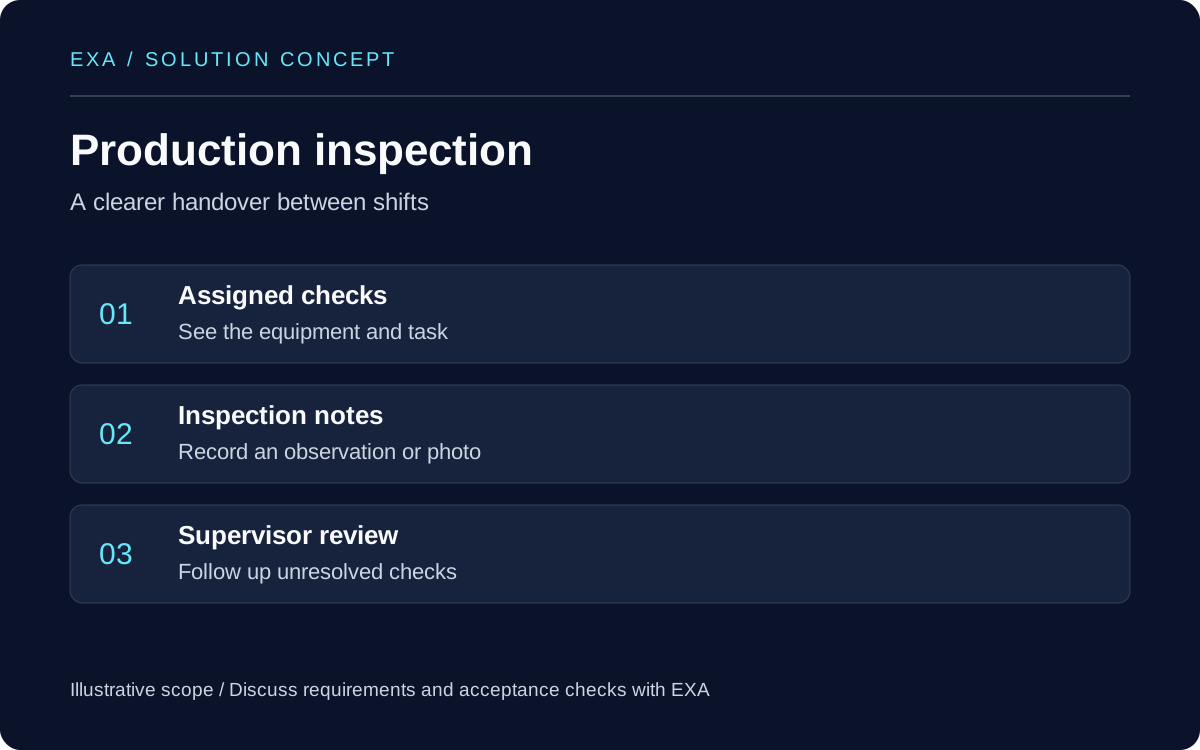
Follow one task from start to finish
Choose a common activity such as recording a visit, checking an order or submitting an inspection. Observe how staff do it today and what they write down twice. Define the smallest useful journey: sign in, find the right record, enter the result and see whether it was saved.
Describe the working conditions
List the phones or tablets staff use, where they work and whether they share devices. Note poor reception areas, gloves, glare and the amount of time available for data entry. These details affect button sizes, text length and whether a photograph or short selection is more practical than a long form.
Define what happens without a connection
Decide which records staff can view and create offline. The screen should distinguish a record saved on the device from one received by the office. Agree what happens if two people edit the same record and how a staff member can retry a failed upload without entering the same task again.
Set access rules before building screens
Write down what each role needs to see and change. A field employee may need assigned jobs while a supervisor needs a wider view. Include the process for a lost phone, a departing employee and a shared device. Avoid using live customer records in early demonstrations.
Pilot with a realistic shift
Use a small group and representative sample records. Include an interrupted upload, an incorrect entry, a long list and a device restart. Ask staff where they hesitate. Record unfinished tasks and support questions rather than judging the pilot only by how attractive the screens look.
Prepare your project brief
Share one sample form, the user roles, current devices and the reports needed by the office. EXA can help turn that workflow into a proposed app scope. Agree on the first release, acceptance checks and later additions before discussing a delivery commitment.