

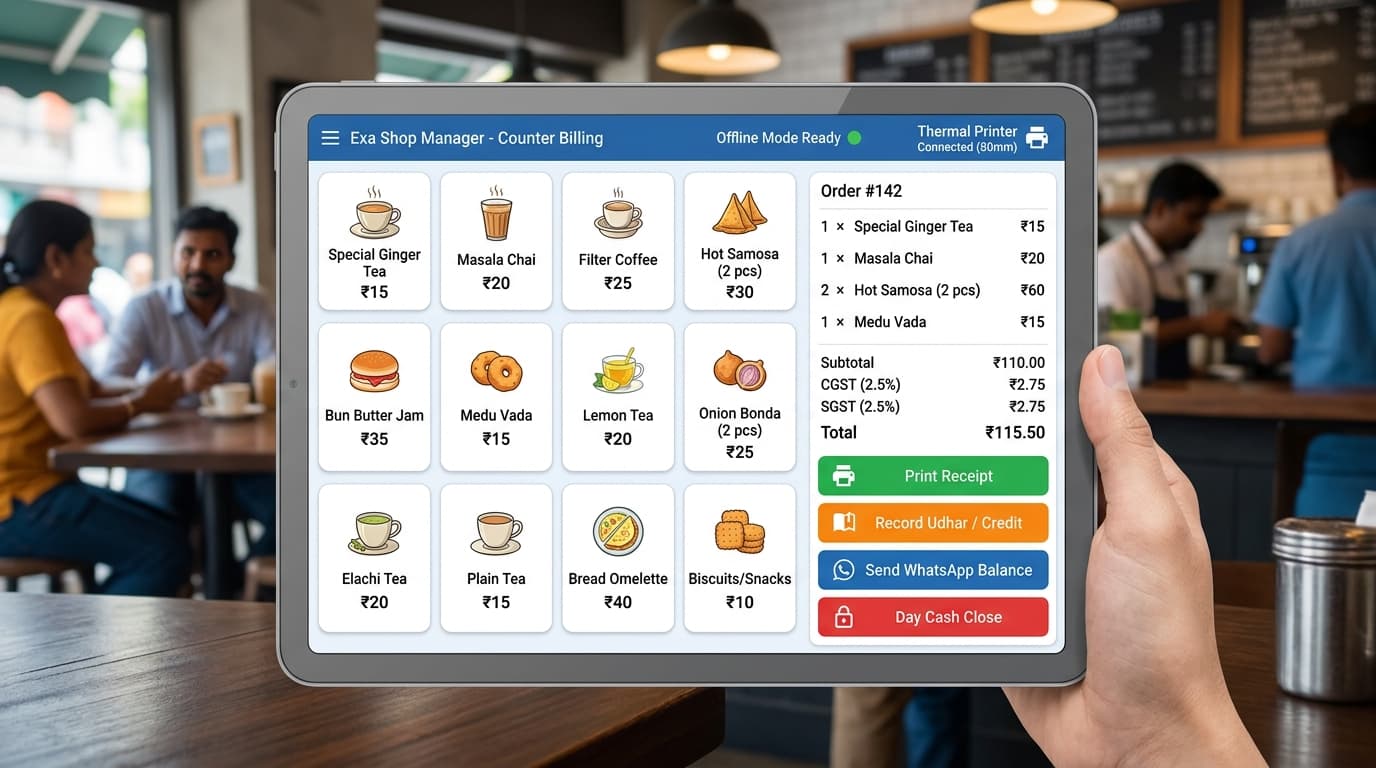
Start with your busiest counter
A billing system should fit the way your shop actually works. Write down what happens between a customer arriving and leaving with a receipt: finding an item, checking its price, recording payment and handling a return. Ask cashiers where they lose time. A useful demonstration follows these steps with your own sample products rather than a prepared sales presentation.
Test the connection failure
Ask the supplier to disconnect the internet during the demonstration. Try opening a fresh bill, finding an item, saving the sale and printing the receipt. Then restart the application and check that the saved bill is still present. Confirm which tasks work locally and which require a connection, including payment confirmation, remote access and messages to customers.
Check printers and payment separately
Bring the model numbers of your existing printer, scanner and computer. Test a long receipt, a cancelled bill and a duplicate print. Recording a payment in billing software does not establish that money reached your bank. Staff should verify electronic payments using the payment provider before closing the transaction.
Plan stock and credit records
Use a sample containing similar product names, different units, opening stock and a customer with an outstanding balance. Record a sale, return an item and enter a part payment. Compare the resulting stock and customer statement with a manual calculation. Decide who may change a price or cancel a completed sale.
Agree on backup and recovery
Ask where records are stored, who can export them and how a backup is restored on another device. Request a recovery demonstration with sample data. A backup on the same computer may be lost with that computer, so discuss a separate copy and who is responsible for checking it.
Prepare a useful demo request
Send your approximate product count, number of counters, device details and the tasks you want to test. Include sample bills with customer details removed. EXA can discuss Exa Shop Manager against that checklist and identify the setup questions before you choose a system.